logo
products

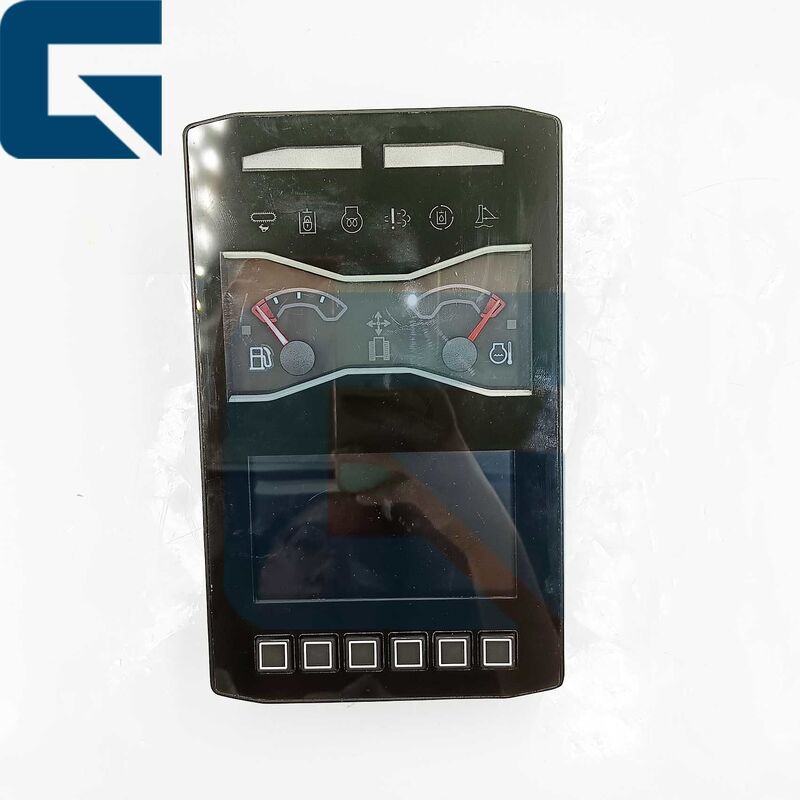
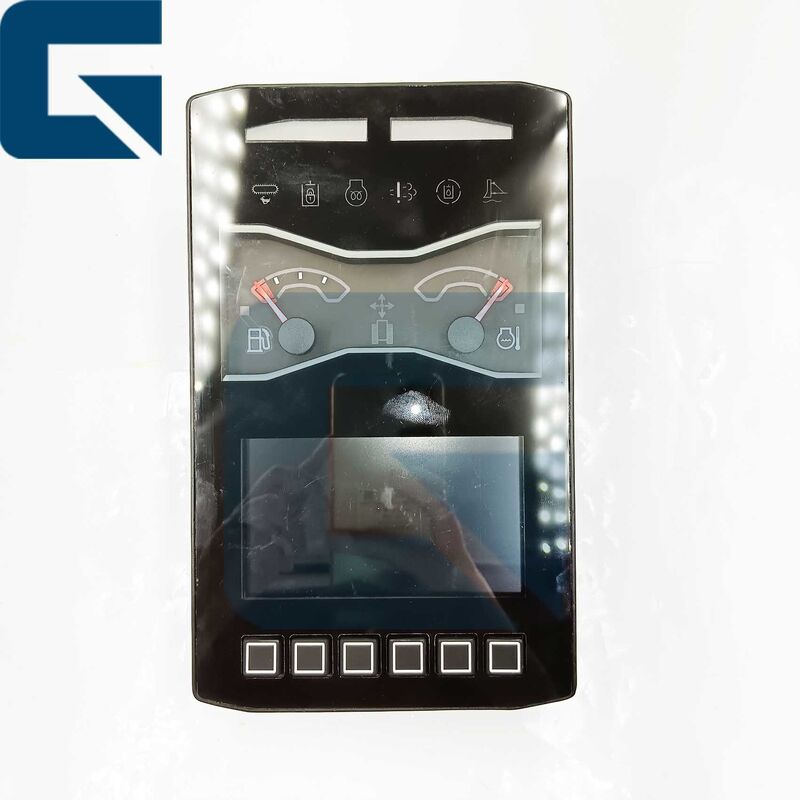
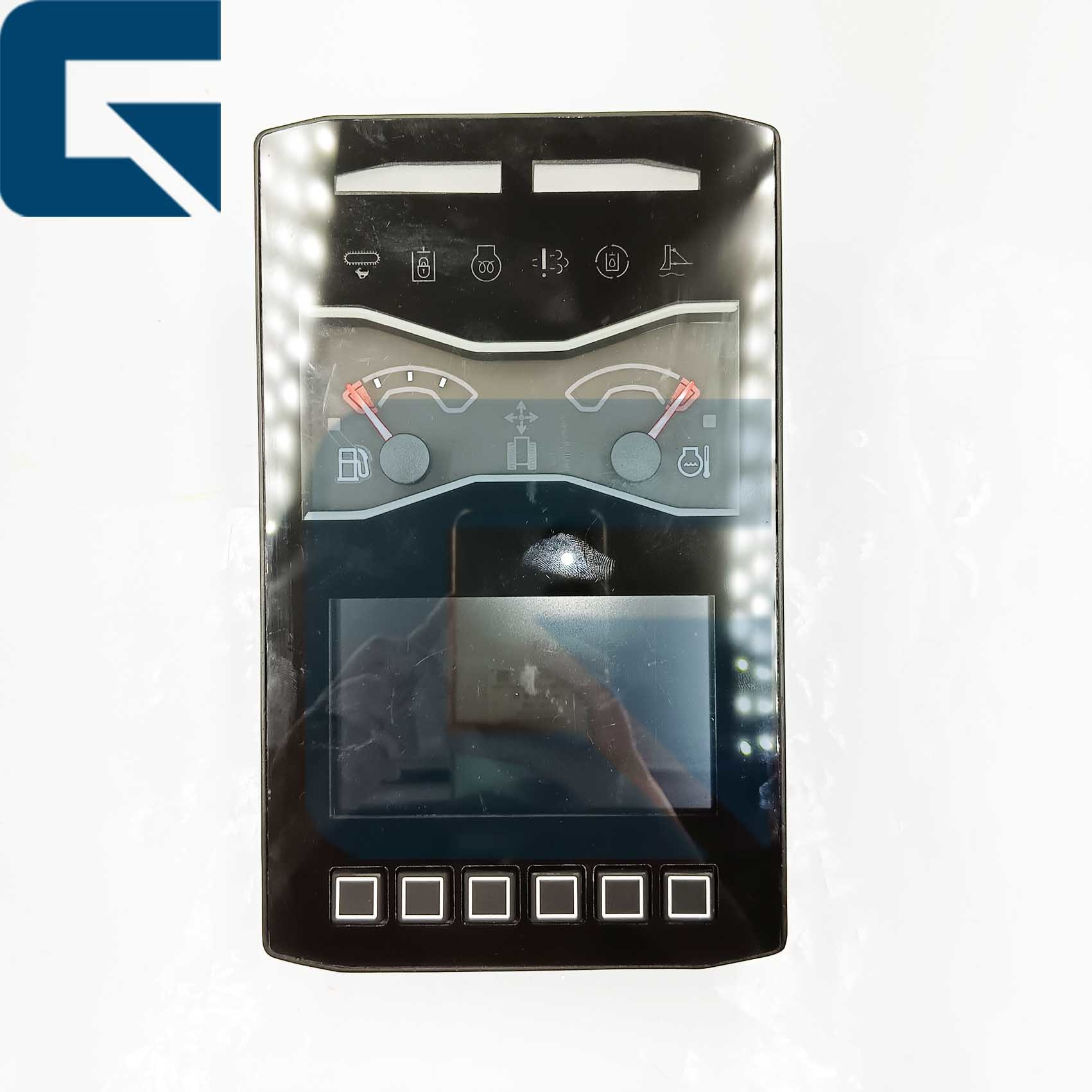
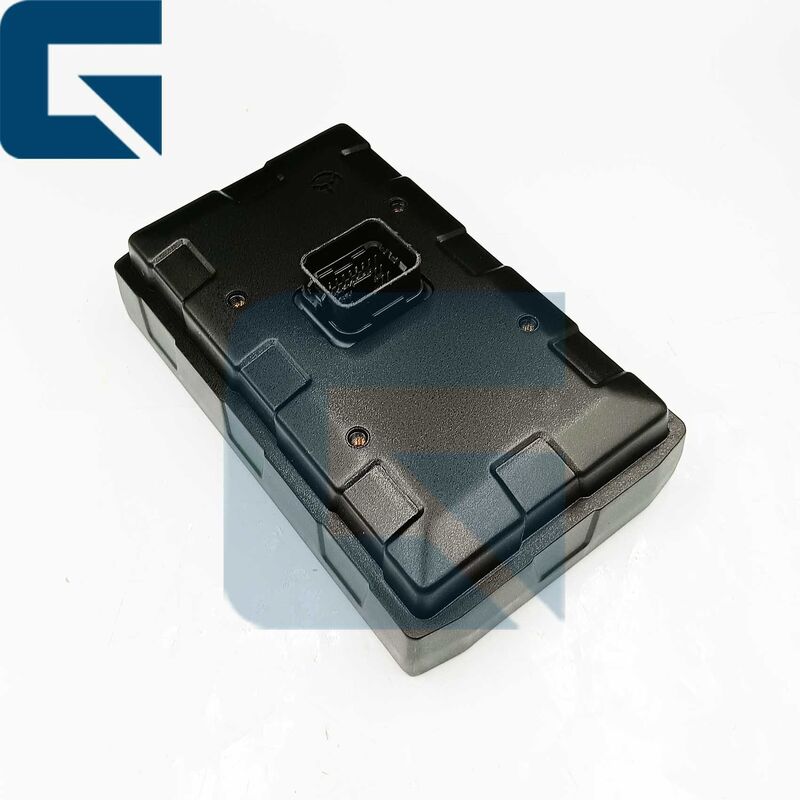
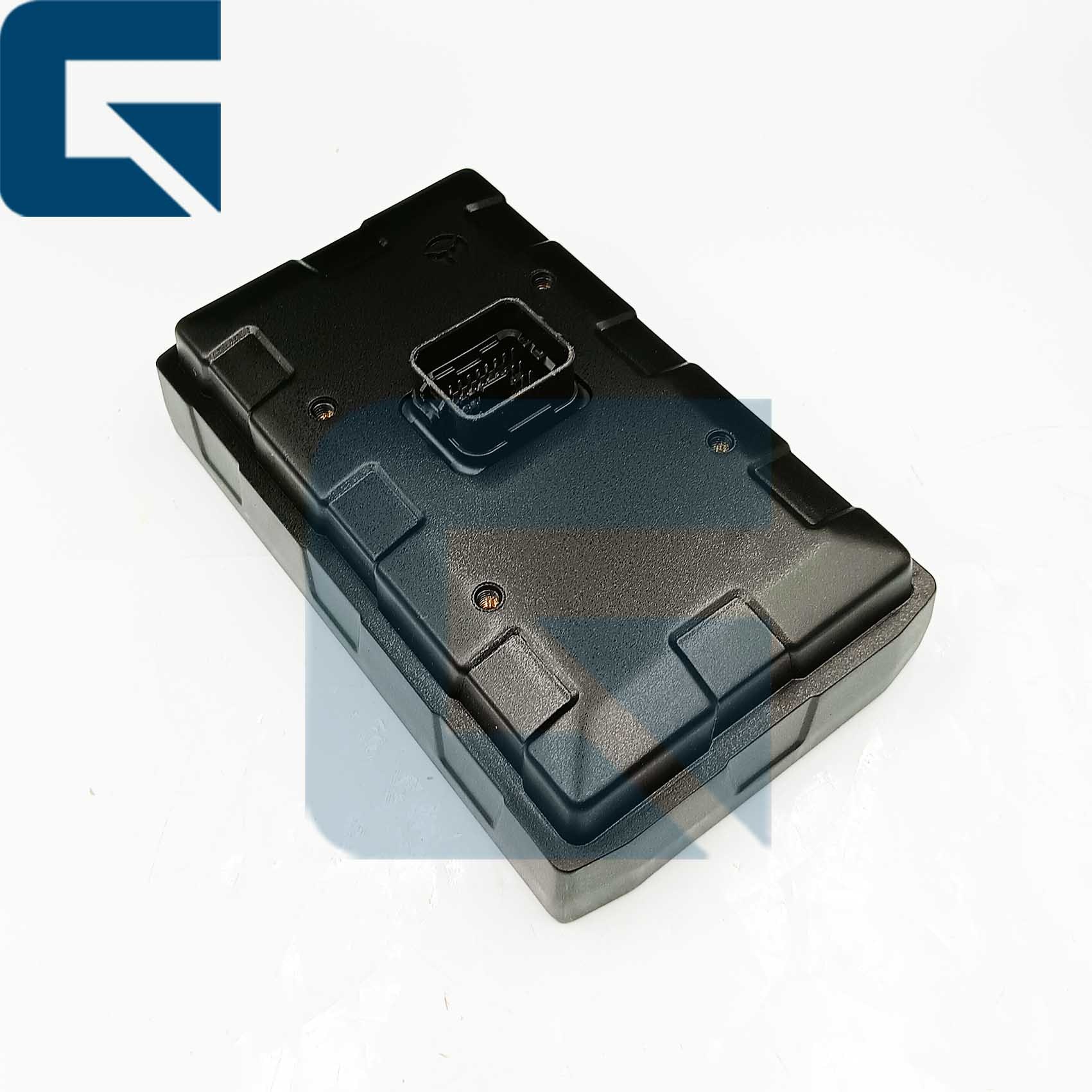
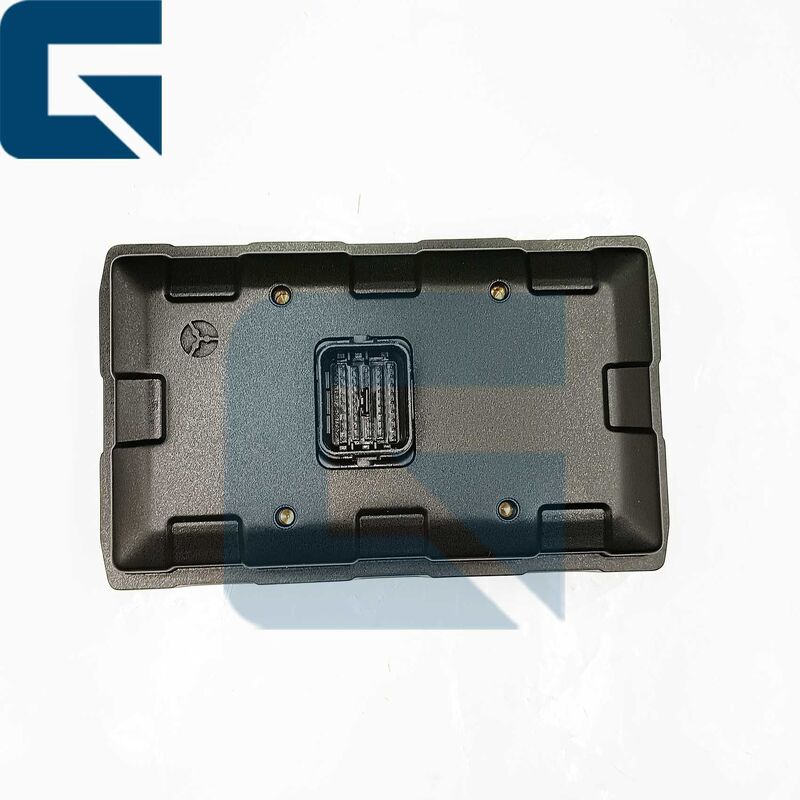
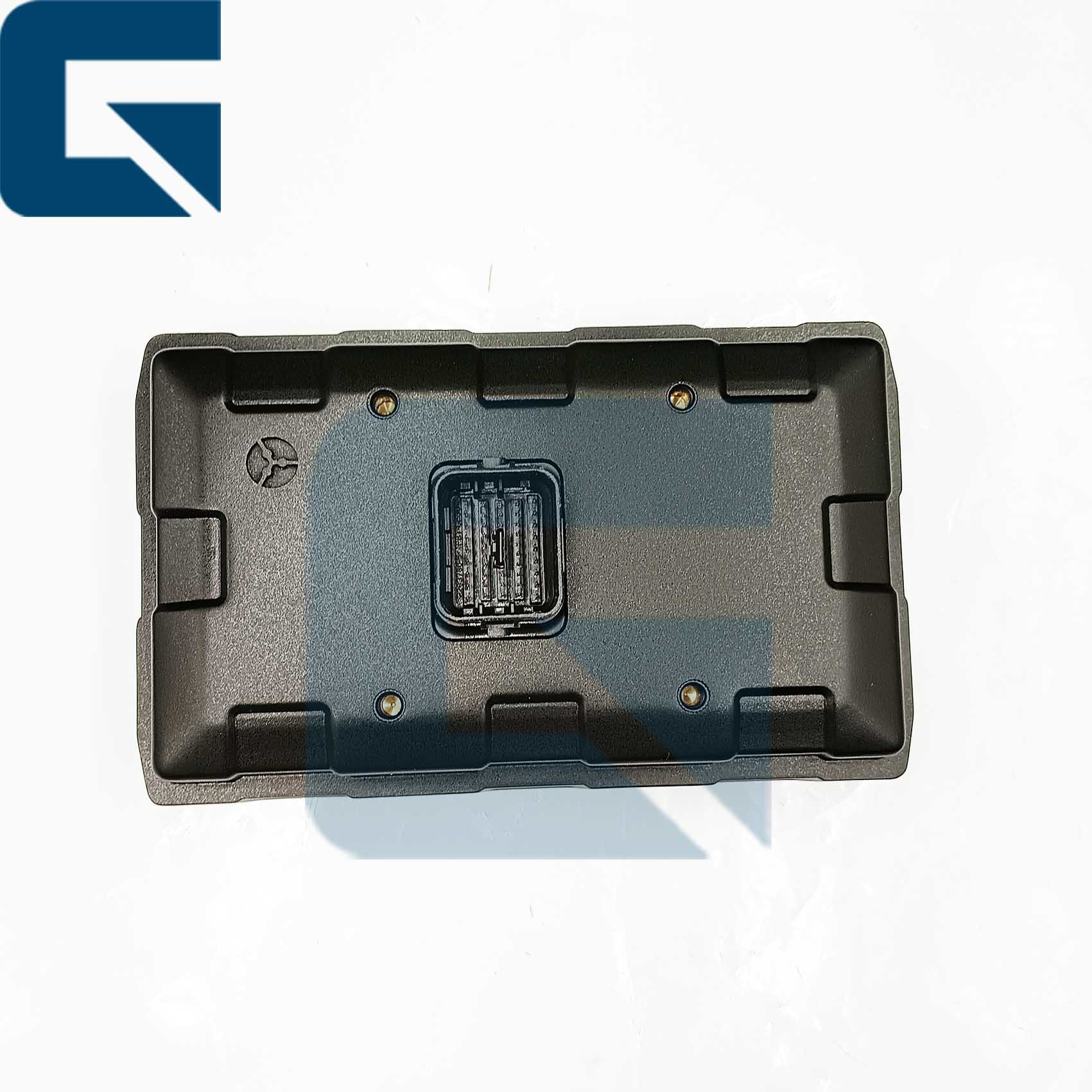
589-5731 Monitor Display 5895731 for E308 Excavator

기본 정보
원래 장소: 중국
브랜드 이름: Jiajue
모델 번호: E308
최소 주문 수량: 1PC
가격: Please send by email or WhatsApp
포장 세부 사항: 589-5731 E308 굴삭기용 모니터 디스플레이 5895731은 고객 요구 사항에 따라 표준 수출 포장으로 포장됩니다.
배달 시간: 1-5 근무일
지불 조건: L/C, D/A, D/P, T/T, 서부 동맹,
공급 능력: 100pcs/월
상세 정보
제품명: 589-5731 E308 굴삭기용 모니터 디스플레이 5895731 재료: 강철
원래 장소: 중국 광동 MOQ: 1
OEM: 지원하다
강조하다:

E308 excavator monitor display

,

5895731 excavator display screen

,

excavator monitor replacement part


제품 설명

589-5731 Monitor Display for E308 Excavator
High-quality replacement monitor specifically designed for E308 excavators, ensuring reliable performance and full compatibility.
Product Specifications
Product NameMonitor
Part Number589-5731
Engine ModelE308
TypeExcavator Parts
Place of OriginGUANGZHOU
Brand NameJIAJUE
MOQ1 Piece
ConditionNew
AvailabilityRich Stock
Approximate Weight2KG
Size (per piece)20cm x 20cm x 18cm
ShipmentDispatched within 3 days
Product Images
589-5731 Monitor Display 5895731 for E308 Excavator 0 589-5731 Monitor Display 5895731 for E308 Excavator 1 589-5731 Monitor Display 5895731 for E308 Excavator 2 589-5731 Monitor Display 5895731 for E308 Excavator 3
Frequently Asked Questions
What are the steps for installing the monitor?
Disconnect power → Anti-static protection → Cleaning and inspection → Wiring harness connection → Secure installation → System configuration and debugging → Routine maintenance and cleaning, avoid moisture.
What does "compatibility" mean in the context of monitors?
The "compatibility" of excavator monitors mainly refers to two dimensions: hardware universality and software platformization.
What should we do when the monitor is black or displays nothing?
A: Monitor not powered on or power cord loose → Check if the monitor power cord is properly connected and ensure the power is on.
B: Monitor hardware malfunction → Consider replacing or repairing the monitor.
When the monitor malfunctions, will the seller resolve the issue?
Yes, customers provide pictures and videos, and our technicians will determine the problem and then help you solve it.
Why choose Guangzhou Jiajue Company?
Because our monitors are tested before shipment to ensure they can work properly after installation.
Step-by-Step Testing Guide
Pro-Tip: HEUI (Hydraulic Electronic Unit Injection) systems are extremely sensitive to contamination. A single speck of dust can cause premature failure.
  1. Power On: Ensure the excavator's main power is turned on.
  2. Visual Inspection: Check the monitor for physical damage, such as cracks or non-functional buttons.
  3. Check Display: Verify that the monitor screen lights up and displays information clearly without distortion or flickering.
  4. Test Functionality:
    • Check if all buttons and touchscreen functions (if applicable) respond correctly to inputs
    • Navigate through different menus and settings to ensure the monitor controls all essential functions of the excavator
  5. Connection Test:
    • If the monitor interfaces with other systems (e.g., cameras, sensors), ensure these connections are secure and operational
    • Test any integrated features like audio output or external video inputs if present
  6. Brightness and Contrast: Adjust brightness and contrast settings to ensure they function properly and provide adequate visibility in different lighting conditions.
  7. Document Findings: Record any issues observed during testing and note if the monitor requires further attention or replacement.
  8. Consultation: If the monitor displays persistent issues or malfunctions, consult with a qualified technician or the manufacturer's support team for guidance on repairs or replacement.

연락처 세부 사항
Carrie Zhang

전화 번호 : +8613622282109

왓츠앱 : +8618926191673